The LuniMuni Blog
Each feature explained: what it gives your child and how to use it.
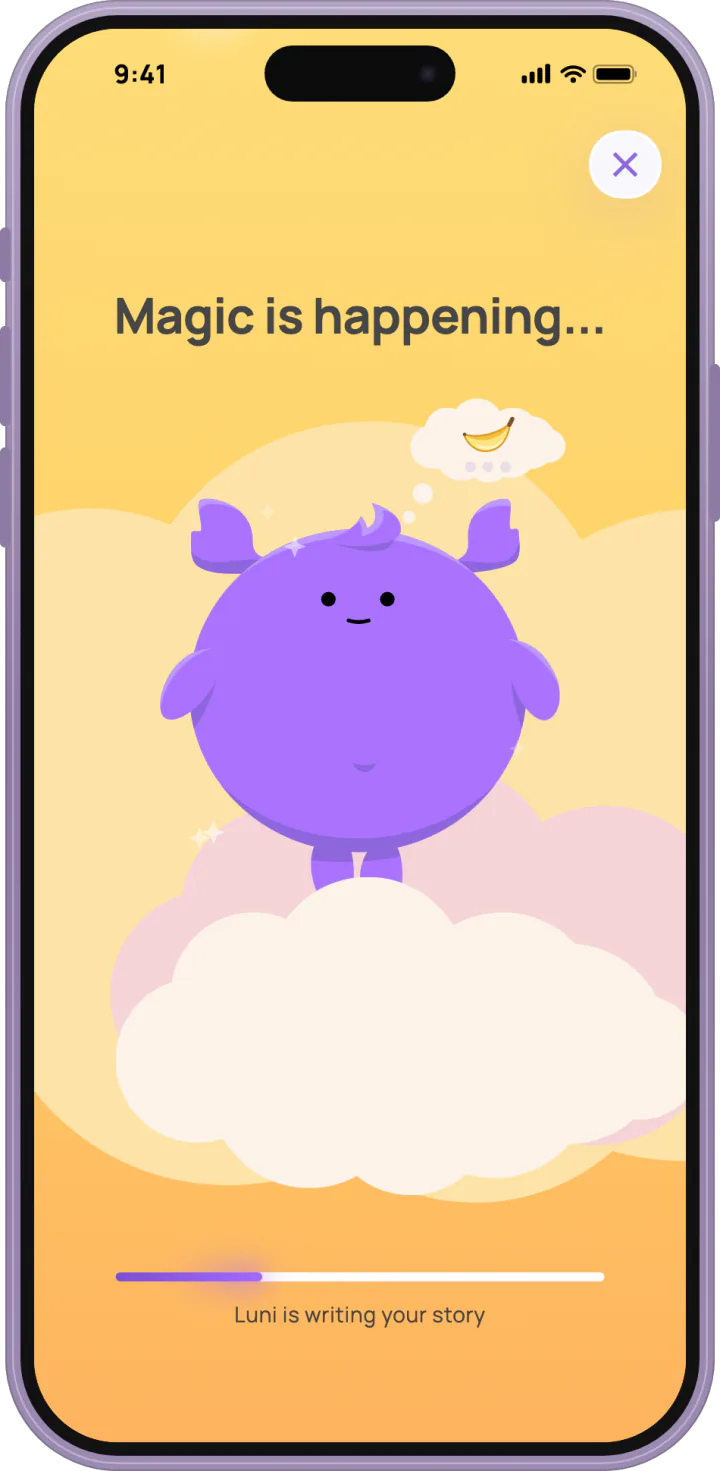
What Happens While LuniMuni Makes a Story
LuniMuni makes a story in about a minute. Your child plays with Luni while the story, its cover and its narration are made and checked before the reveal.
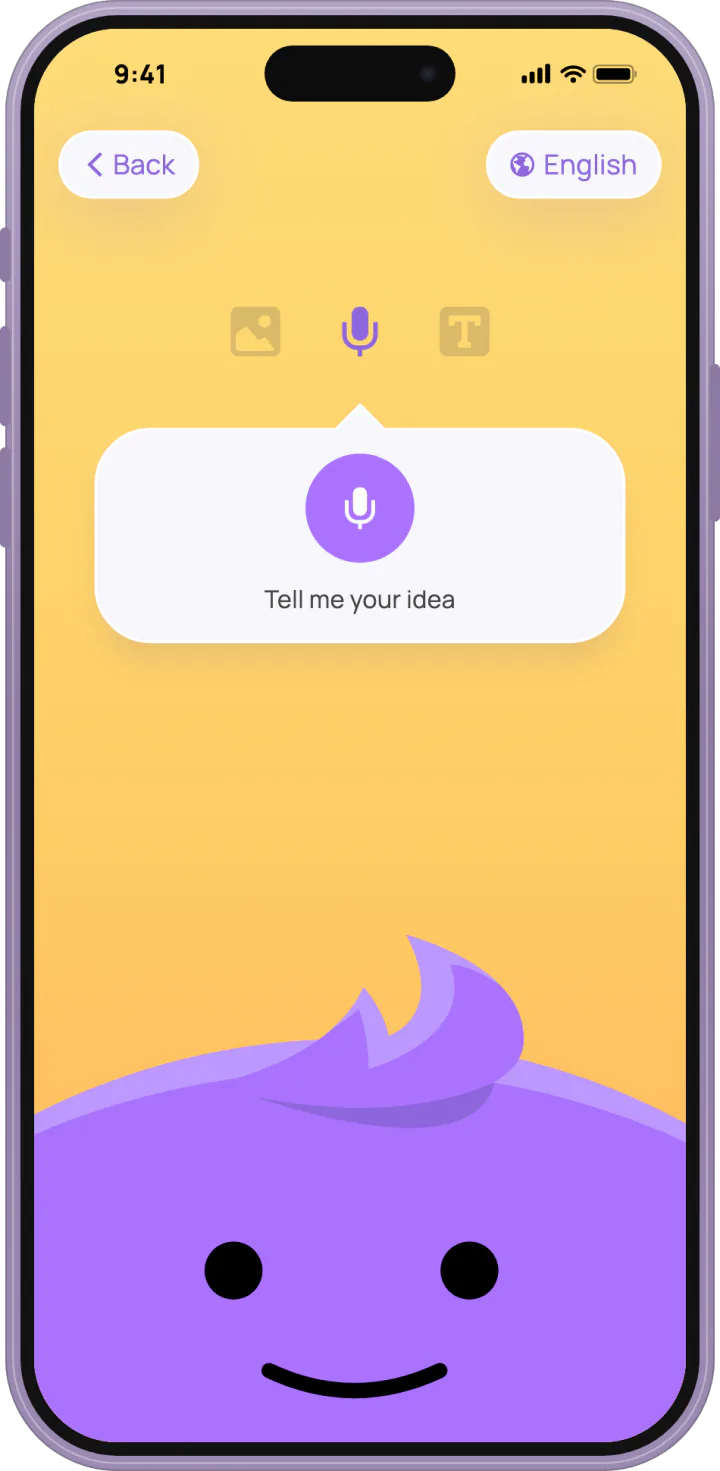
Three Ways to Start a Story in LuniMuni: Voice, Text or Photo
Your child starts a LuniMuni story by voice, by typing, or from a photo of a drawing or toy. How each works, and what happens to the photo and the recording.
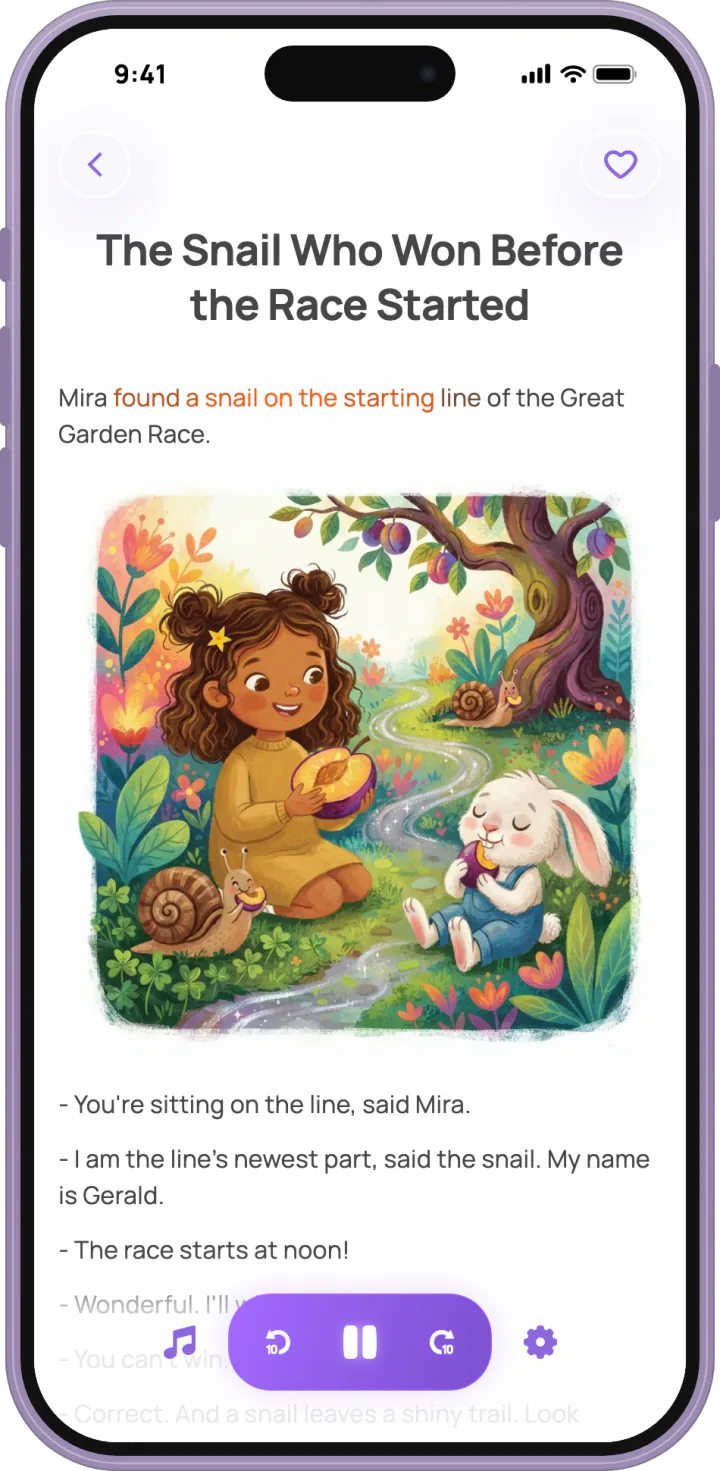
Read-Along Narration and Background Music in LuniMuni
LuniMuni reads every story aloud and lights each word as it is spoken. Your child picks the music from 24 tracks; stories stay on the bookshelf, offline too.
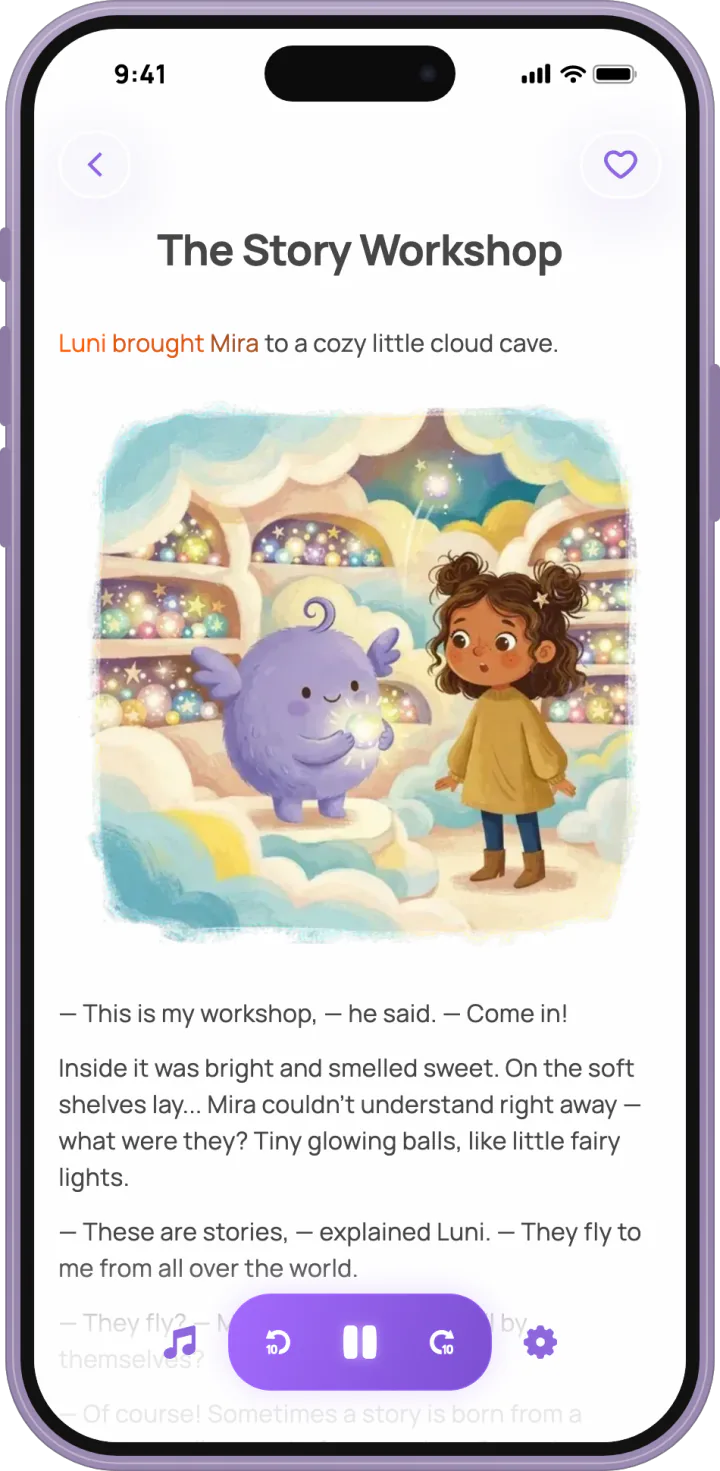
LuniMuni in 15 Languages: Stories for Bilingual and Multilingual Families
LuniMuni writes and narrates stories in 15 languages. Each child has their own story languages and picks one per story; the app's own language is set apart.
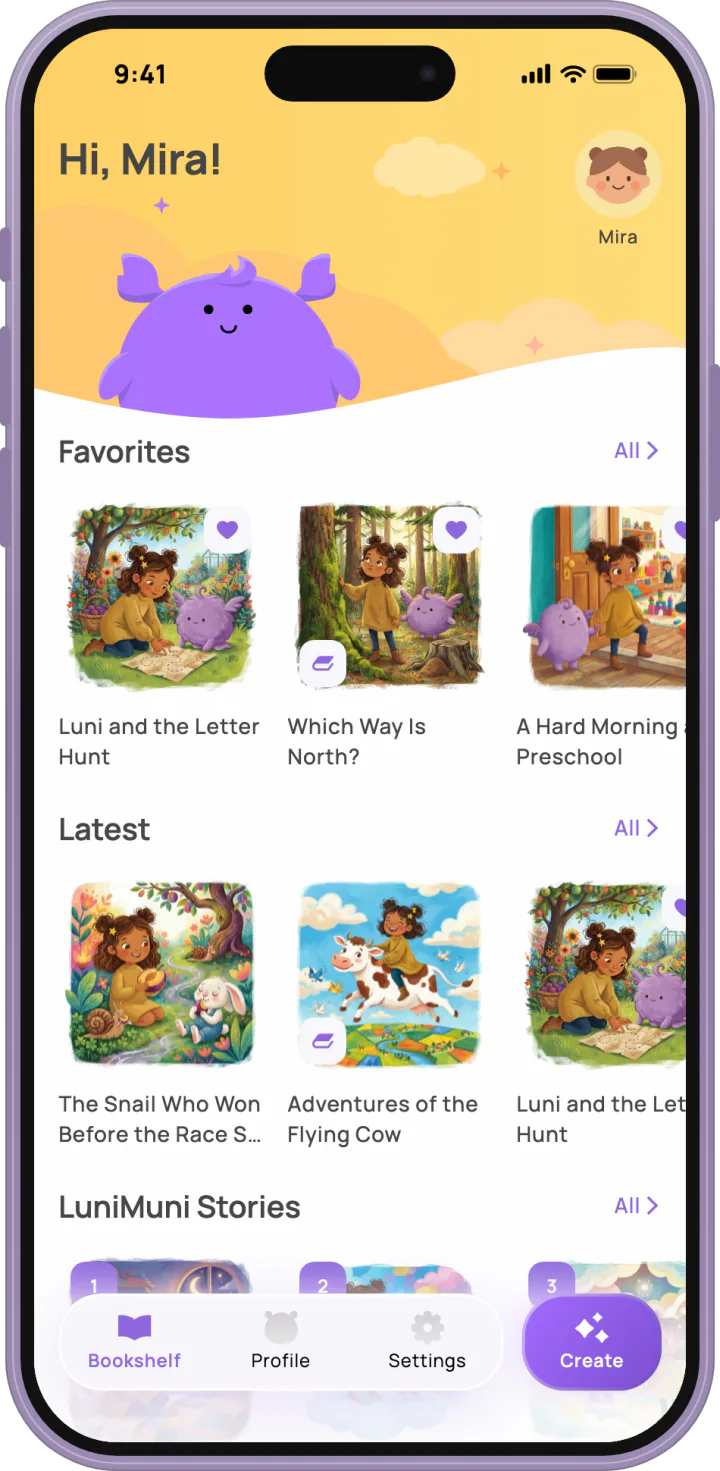
What LuniMuni Does at Bedtime
From 7 pm to 6 am LuniMuni's screens turn to night by the device's clock, text shows light on dark, and Luni yawns and dozes off. A Theme setting changes it.
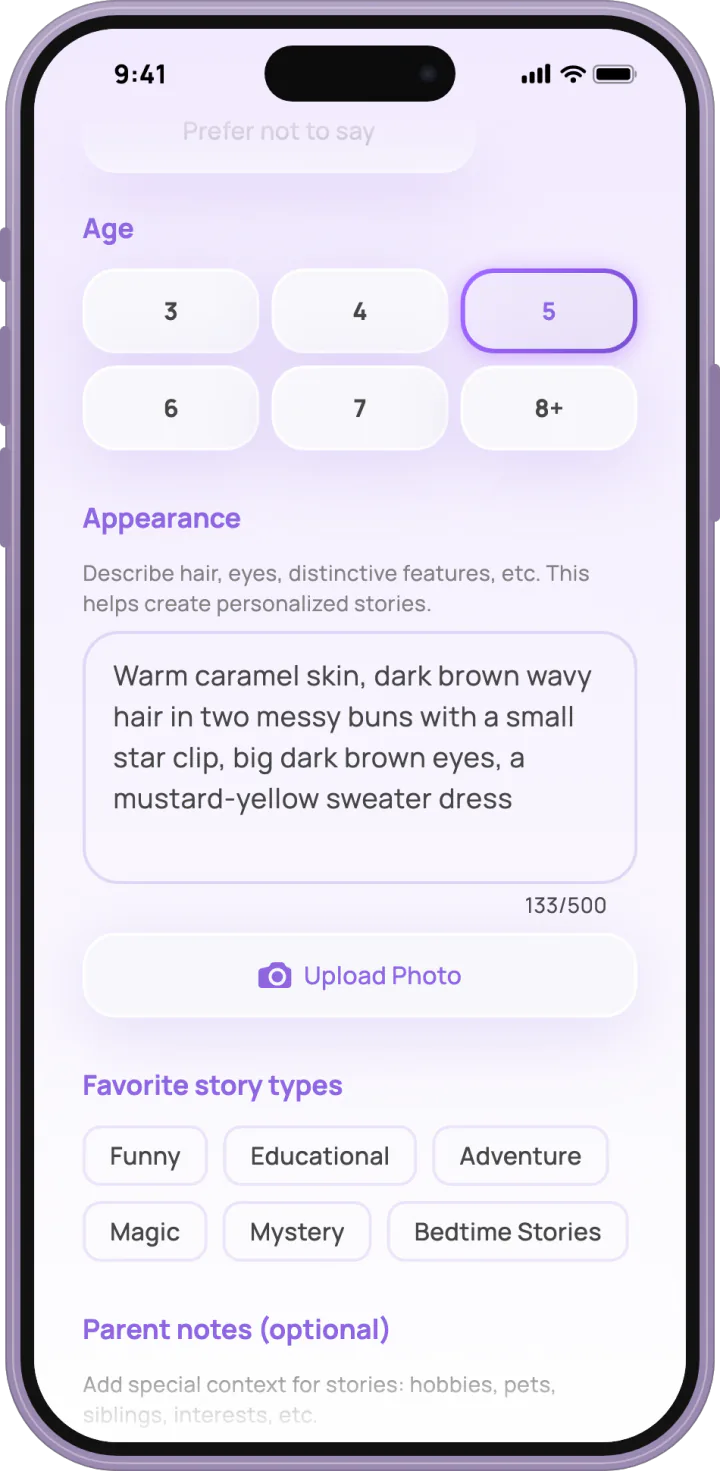
The Child Profile in LuniMuni: What Each Field Changes in the Stories
A LuniMuni child profile holds name, age, favorite story types, parent notes, appearance and story languages. What each field changes, and what is stored.
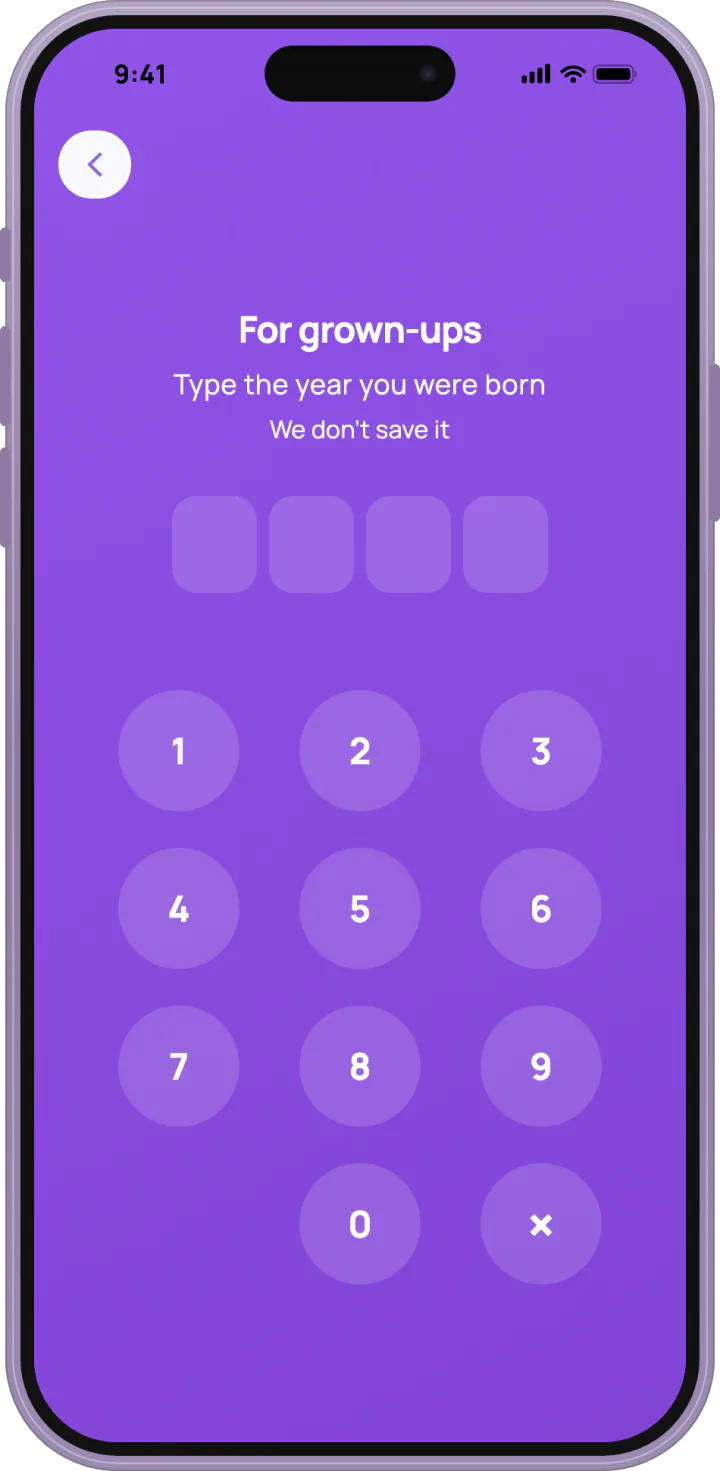
Parent Controls in LuniMuni: Story Review, AI Consent and What Is Stored
LuniMuni's parent area sits behind a grown-ups gate. Review stories before your child sees them, pause AI story creation, see what is stored.