How LuniMuni Works
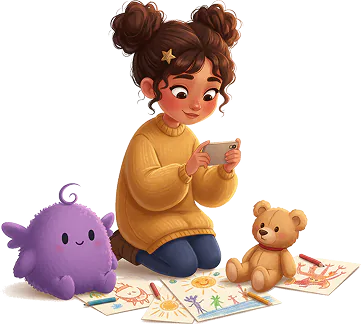
A child gives LuniMuni an idea: they say it, type it, or take a photo of a drawing or a toy. About a minute later the story is ready, with a cover illustration and a voice that reads it aloud while each word lights up.
Try 3 Stories Free-
Three Ways to Start
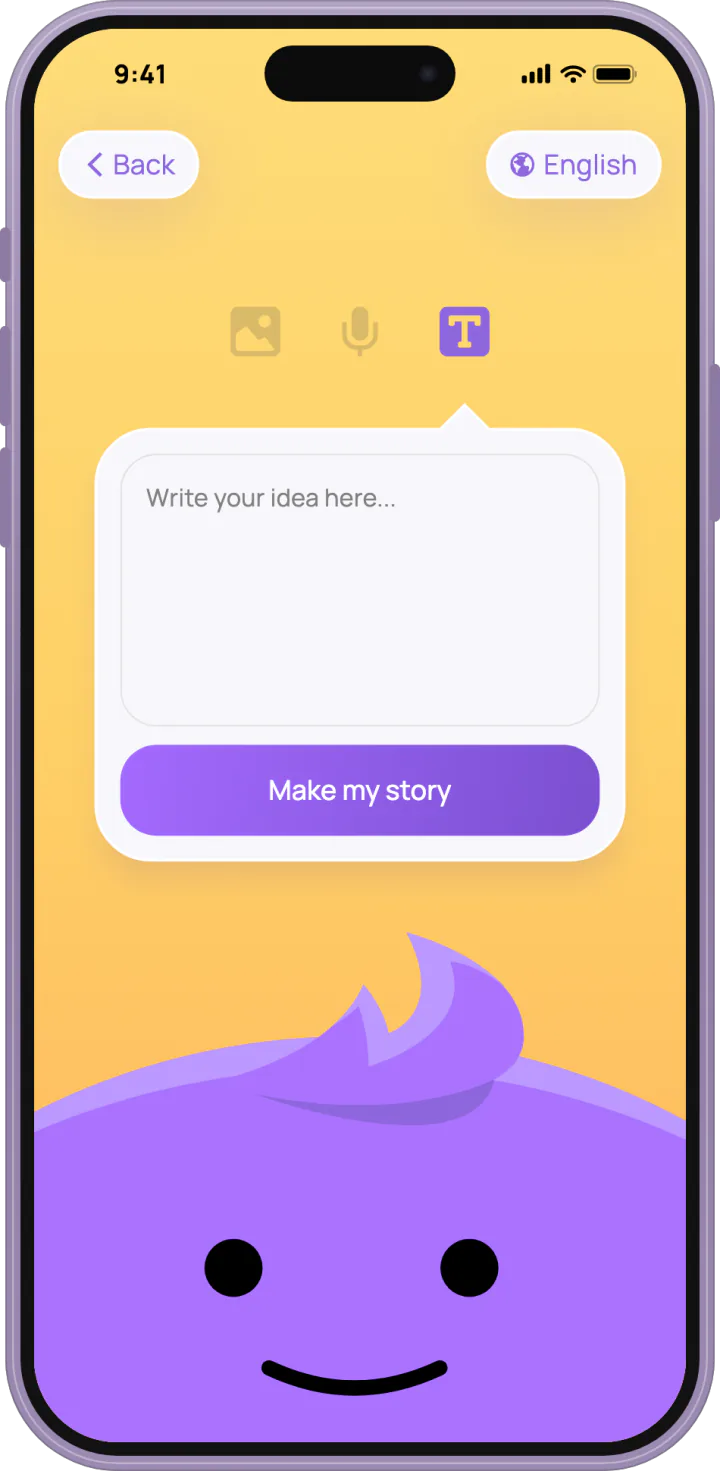
Your child can say the idea out loud, type a few words, or take a photo of a drawing, a toy or anything else, with the camera or from the photo library. A spoken idea comes back as text, so your child can check it, say it again or fix a word before the story is made.
-
About a Minute to Make
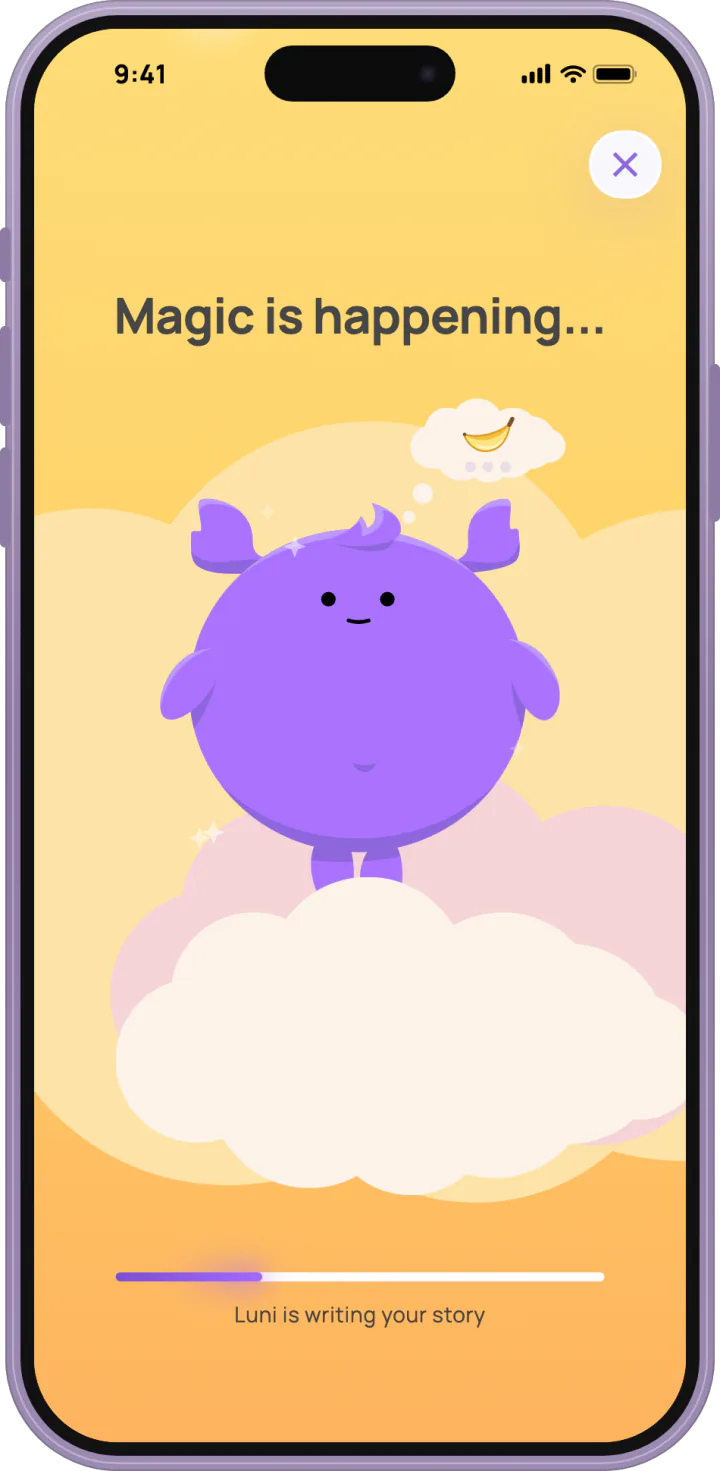
LuniMuni looks at the picture or reads the idea, writes the story, paints the cover and records the narration. Meanwhile your child can play a catch game with Luni, the app's mascot, or close the screen, and the story still lands on the bookshelf. The story, the cover and the voice are made with AI, and the idea and the story are both checked for safety on the way.
-
Read and Listen
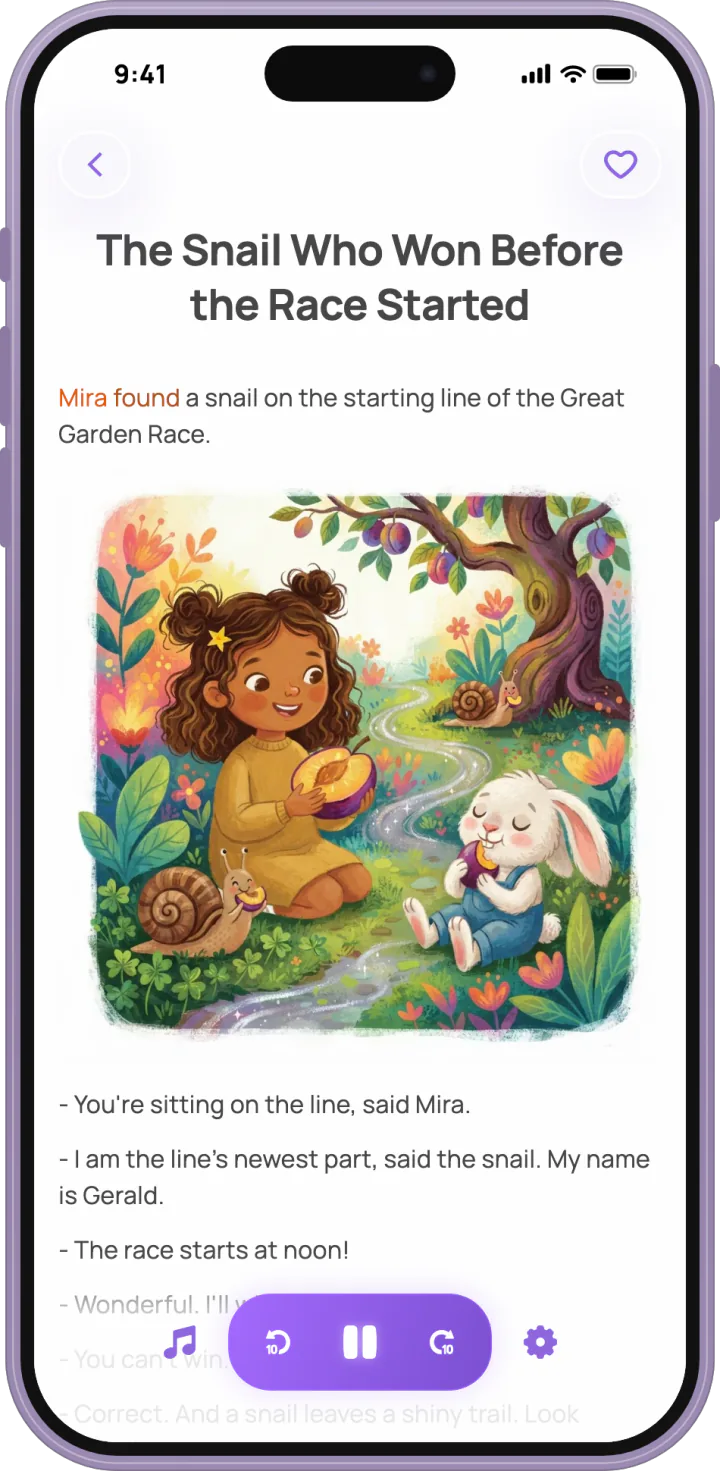
Each story is a short text with a cover illustration, read aloud in the story's language. Each word lights up as it is read, so a child can follow along. Music plays under the voice, and your child can pick another of 24 tracks. The text comes in three sizes, and the chapters of a series turn like the pages of a book.
More in LuniMuni

What Happens Next?
Any story your child makes can be continued with one tap. The next chapter keeps the same characters, so a favorite story grows into a series.

Stories Built In
16 LuniMuni Stories come with the app, ready to read from the first minute, free, in all 15 languages.

Made for Each Child
Each child gets a profile with their name, age and the kinds of stories they like, from funny and educational to adventure, magic, mystery and bedtime. Describe how your child looks, and they appear on the covers; add notes about pets, interests or something to learn, and the stories draw on them.

Stories in 15 Languages
Stories are written and read aloud in English, German, Spanish, French, Italian, Latvian, Portuguese, Russian, Swedish, Danish, Norwegian, Finnish, Dutch, Ukrainian and Turkish. A child can have several story languages and pick one for each story.

A Bookshelf That Keeps Them
Every story stays on your child's bookshelf, with favorites, series and a search. Parents can save stories for offline listening, for a plane or a car with no signal.

Stickers to Collect
Your child earns stickers for making, continuing and listening to stories, nine in all, from Story maker to Language explorer.

Ready for Bedtime
From seven in the evening the app turns to a night sky, after a sunset in the hour before, and Luni, the app's lavender cloud, yawns and speaks softer. In the parent area you can keep the app light or dark all day instead.

For Parents
Settings sit behind a gate for grown-ups that asks for the year you were born. There you can turn on review, so each new story waits for your approval, edit profiles, manage downloads and sounds, and delete a profile or the whole account.
Questions Parents Ask
How long does it take to make a story?
A LuniMuni story is usually ready in about a minute. Your child can wait with Luni's catch game or leave the screen, and the story appears on the bookshelf when it is done.
How long are the stories?
LuniMuni stories are short: up to about 250 words, one to two minutes when read aloud. That is long enough for a real story and short enough for a small child to listen to the end. A favorite story can go on in a new chapter.
Is LuniMuni good for bedtime?
Yes. LuniMuni stories are short, one to two minutes read aloud, and from seven in the evening the app turns to a night sky while Luni winds down. Choose Bedtime Stories as the kind of story in your child's profile, and every story they make is a bedtime story.
Can my child use LuniMuni alone?
LuniMuni is made for children to use with a parent nearby. A parent signs up and sets up the profile; after that, a child can make a story by speaking or taking a photo, without reading or writing, and read or listen on their own. Settings and plans sit behind a gate for grown-ups, and you can turn on review to read each new story first.